Restaurant POS software for UAE restaurants, from the table QR to the Z report
Cupcloud is restaurant POS software for small and mid-sized restaurants in the UAE. Guests can order from a QR code on the table, waiters take orders on a tablet, the kitchen gets each order on a screen or a printed kitchen ticket, and the bill can be split by person and paid in cash, by card or both. It runs in English and Arabic in a browser, with prices in AED and UAE VAT.
A restaurant has more moving parts than a counter: tables that order in rounds, waiters running between the floor and the pass, a table of six that wants to pay separately, the phone ringing for delivery, and a kitchen that needs every change the moment it happens. When those run on paper pads and a till that only knows totals, mistakes land on the bill. Cupcloud puts the tables, the waiters, the kitchen and the cashier on the same orders.
An evening service, with Cupcloud
This is a Friday night at a family restaurant in Abu Dhabi, using only what Cupcloud does today.
- 8:05 pm. Table 7 sits down and scans the QR on the table stand. They order mixed grill, hummus and two fresh juices in Arabic; the order reaches the staff queue marked Table 7 and rings until someone accepts it
- The kitchen screen shows the ticket with a timer, or the kitchen printer prints it, the moment the order is placed
- At table 12 the guests prefer to order from a person, and they will pay separately. The waiter takes the order on a tablet in the Photos view, sets Table 12, taps Split by person and puts each guest's dishes in their own named part
- Table 7 asks to add a dessert and change one juice. A manager or cashier edits the order, and the kitchen gets an amendment instead of a guess
- At 10:15 pm table 12 asks for the bill. The cashier takes payment part by part: two guests pay cash with the change worked out, the third pays on the restaurant's card machine
- At closing the manager runs the guided Z close: open orders first, then the cash count, then the day's report with sales by order type and cash, card and online apart
Table QR ordering and waiters on tablets
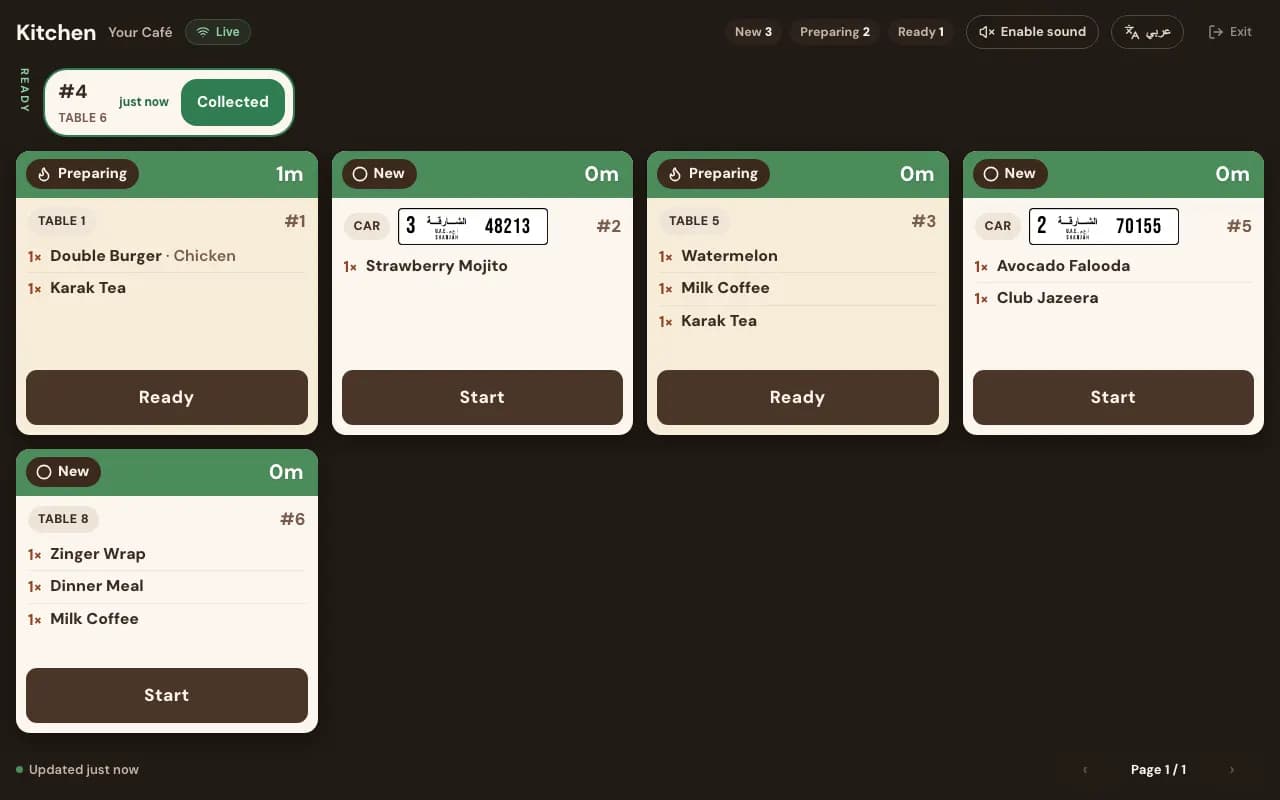
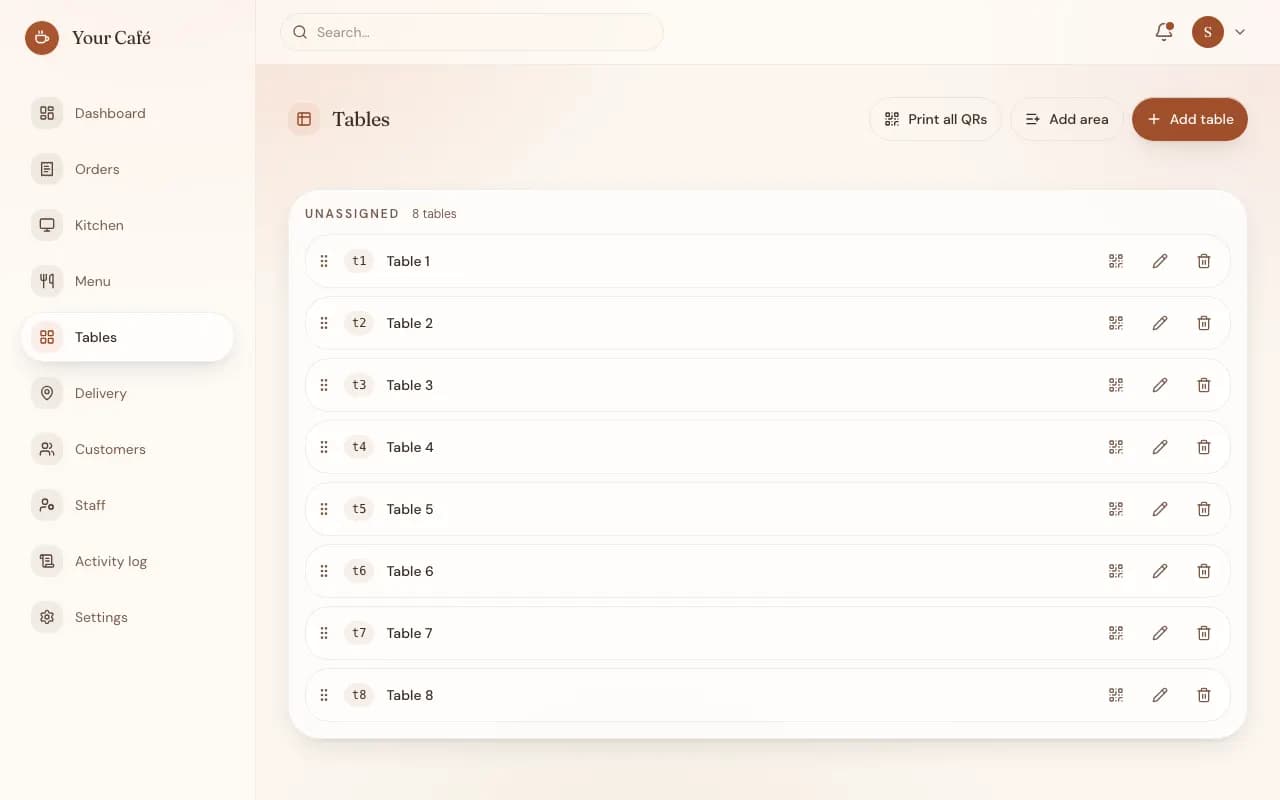
Every table gets its own QR code from the Tables page, and you can print table stands at A6, four to an A4 sheet, in English and Arabic with your logo. A guest who scans opens your menu on their phone, in either language, with photos, sizes and options, and the order arrives with the table number on it. No app, no account needed.
Waiters use the same order screen as the cashier, in the Photos layout that suits a tablet. They set the table before or after the items, add special requests on any line, and place the order. Waiters cannot take payment, edit a placed order or see a customer's saved details; those stay with the cashier and the manager. Every action is in the activity log under the name of the person who did it.
The kitchen gets every order, and every change
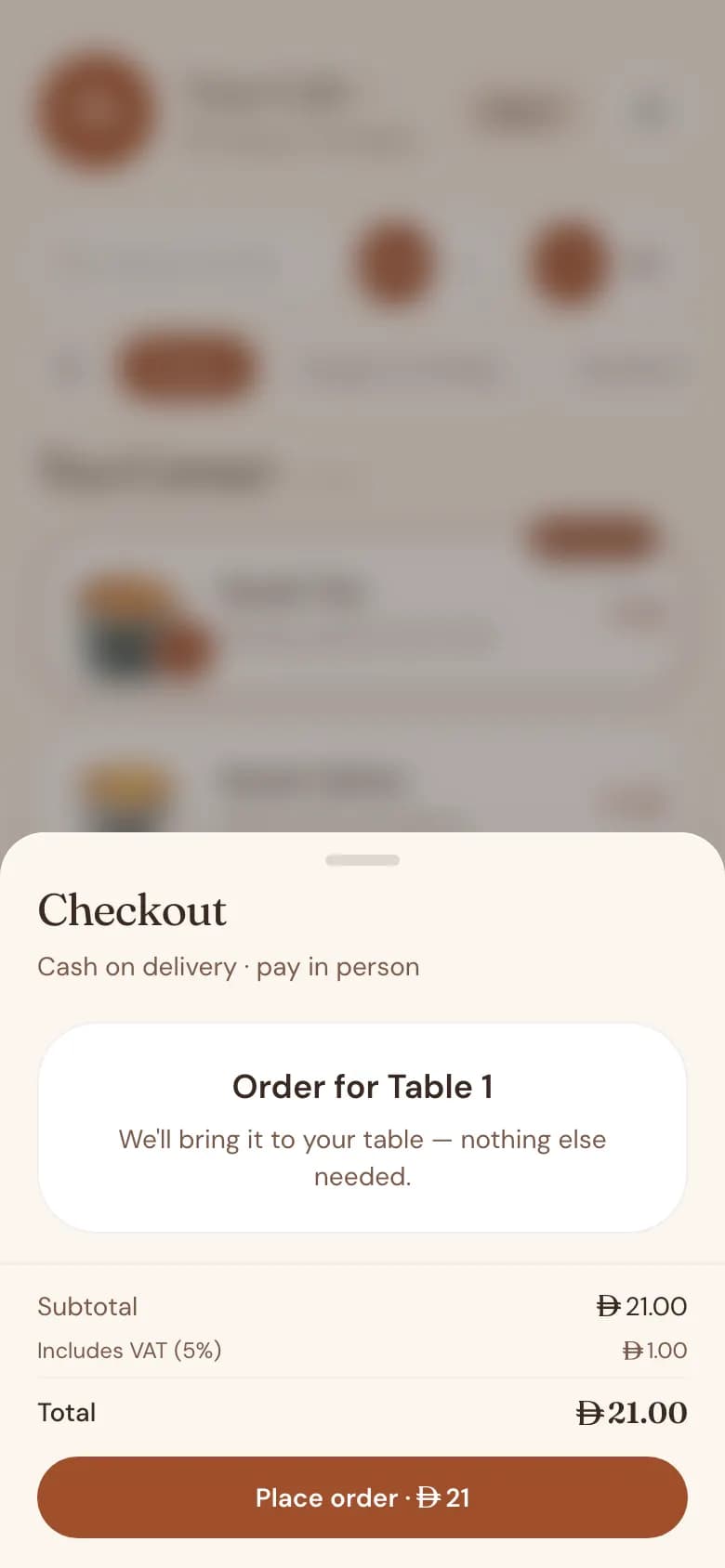
Choose how the kitchen works. A screen in the kitchen, logged in as a cashier or manager, shows each ticket with its items, options, special requests and a timer, and rings for every new ticket. Or a print agent on the restaurant's Windows PC prints a kitchen ticket on the thermal printer as each order is placed. Many kitchens use both, and the printer can buzz for a new order's ticket.
Changes are where a restaurant loses money. In Cupcloud a placed order is edited, not retyped: the kitchen gets an amendment, the bill follows, and a cancellation needs a reason. A Start preparing undo window catches a mistaken tap. Editing an order that is already ready is an optional setting for the restaurant, and a paid order's total stays frozen.
Split the bill by person, pay at the table online
A group that pays separately is normal in the UAE. While taking the order, the waiter or cashier can split it by person into up to eight parts, each with an optional name, its own total and VAT, and each part is paid on its own. The order is paid when every part is. The kitchen ticket tags each item with its part, and a paid part stays frozen.
The payment dialog takes cash with the note received and the change worked out, the café's own card machine, or part card and part cash on one bill. Only a cashier or manager takes payment, and only a manager refunds a counter payment, with a reason. If the restaurant turns it on, guests can also pay online at the table through the restaurant's own gateway account; online payment is for the whole order and goes straight to the restaurant, with no commission to Cupcloud.
What matters most for a restaurant
Every restaurant on Cupcloud gets the whole system. These are the parts that do the most work on a restaurant floor, and why.
- Tables order in rounds: a QR per table, and orders that carry the table number to the queue and the kitchen
- Waiters on the floor: the Photos layout on a tablet, with payment and customer details kept to the cashier and manager
- Groups and families: split by person, each part paid in cash, by card or both
- Changes after ordering: order edits with a kitchen amendment, cancellations with a reason
- Phone and delivery beside dine-in: find a caller by mobile, saved addresses, delivery zones and your own drivers
- Lunch and dinner menus: serving times that sell items only in their hours
- The night's money: an X report any time, a guided Z close, and twelve reports including VAT summary and profit and loss
What Cupcloud does not do for a restaurant
Cupcloud has no table reservations and no floor plan of the dining room; tables are a list with a QR code each. There is no course firing, no inventory or recipe stock, and no loyalty points yet. Delivery-app orders are not brought into Cupcloud, and it does not supply riders. The POS needs an internet connection; offline mode is coming soon, not available yet. Card payments at the counter go through your own card machine, and the manager's admin screens are in English for now, while guests and the order screen work in Arabic and English.
Common questions
What does restaurant POS software in the UAE need to do?
Take orders from tables, the counter, the phone and delivery, send them to the kitchen, split bills, take cash and card, and handle VAT and the day close in Arabic and English. Cupcloud does all of these on one menu and one queue.
Can waiters take orders on a tablet?
Yes. Waiters use the order screen in the Photos layout on a tablet or phone and set the table. They cannot take payment or edit placed orders; the cashier and manager do that.
Can guests split the bill?
Yes. An order can be split by person into up to eight parts when it is taken, each with its own total, paid in cash, by card or part of each. Online payment at the table covers the whole order.
Does it work with a kitchen printer or a kitchen screen?
Both. A kitchen screen is any screen with a browser; kitchen tickets print on a thermal printer through the print agent on a Windows PC in the restaurant.
Does Cupcloud take table reservations?
No. Cupcloud has no reservations and no floor plan. It handles ordering, the kitchen, payment and the day close for the tables you have.
How do I start, and how much does it cost?
Sign up online for a 14-day free trial with no card, or message us on WhatsApp and our team will set up your menu and tables with you. Pricing after the trial is on request, with no commission per order.