A digital menu for restaurants and cafés in the UAE, in English and Arabic
Cupcloud gives your restaurant or café a digital menu at its own web address, with photos, sizes, add-ons and prices in AED. Customers open it in their phone's browser from a QR code or a link, with nothing to install. When the menu changes, you change it yourself.
Your menu gets its own address
Every café on Cupcloud has its own menu page at an address like cafename.cupcloud.ae. It is a page of your own, carrying your café's name, your items and your prices.
Share the link wherever you already talk to customers: your Instagram bio, a WhatsApp reply, a flyer in the bag. Or print it as a QR code for the counter and the tables. Because it opens in the phone's browser, a customer goes from tapping to reading your menu without downloading anything.
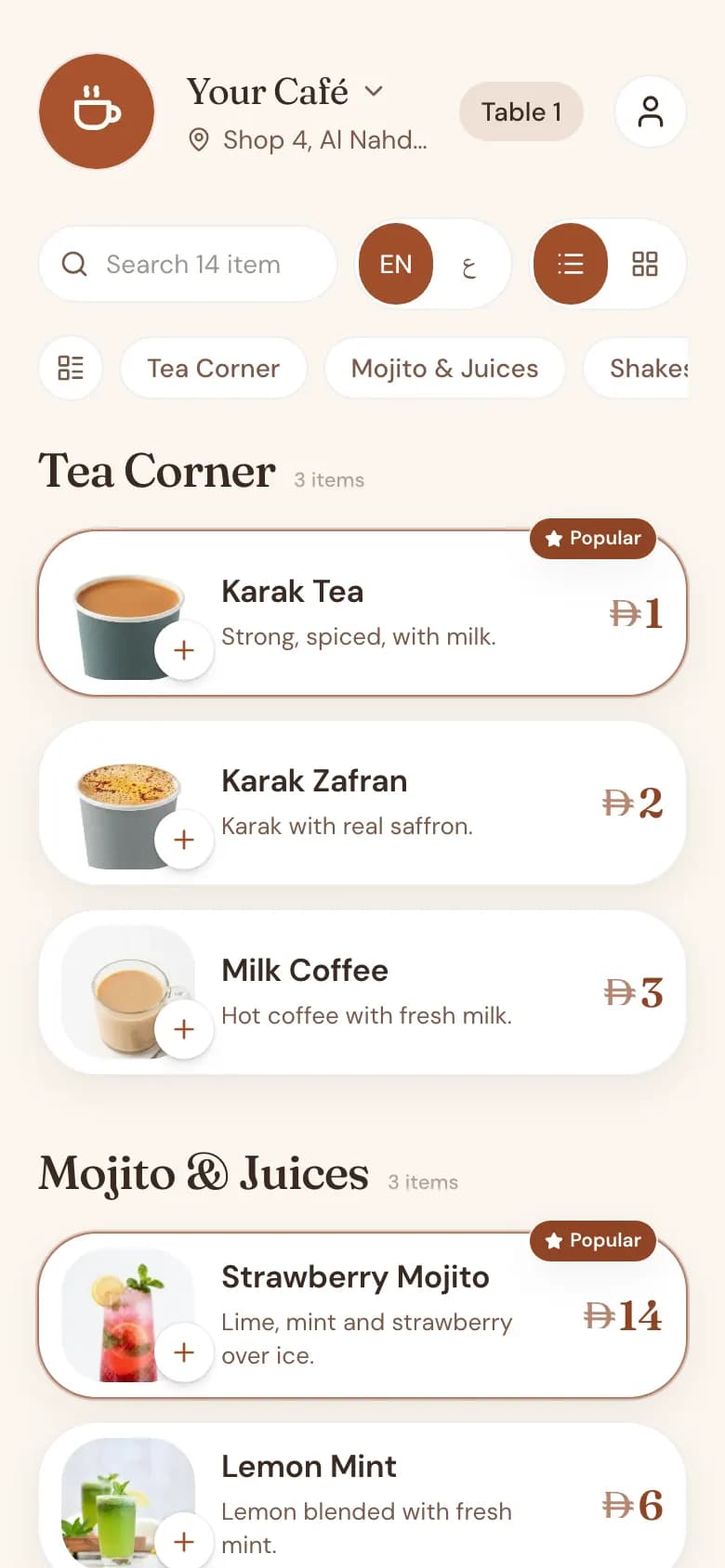
Laid out the way a real menu is
A menu is more than a list of names and numbers. Cupcloud keeps the structure you already have in your head, so the customer can find the sandwich they want without scrolling past forty drinks.
- Categories, so breakfast, sandwiches, juices and hot drinks each have their own place
- A photo and a short description for each item
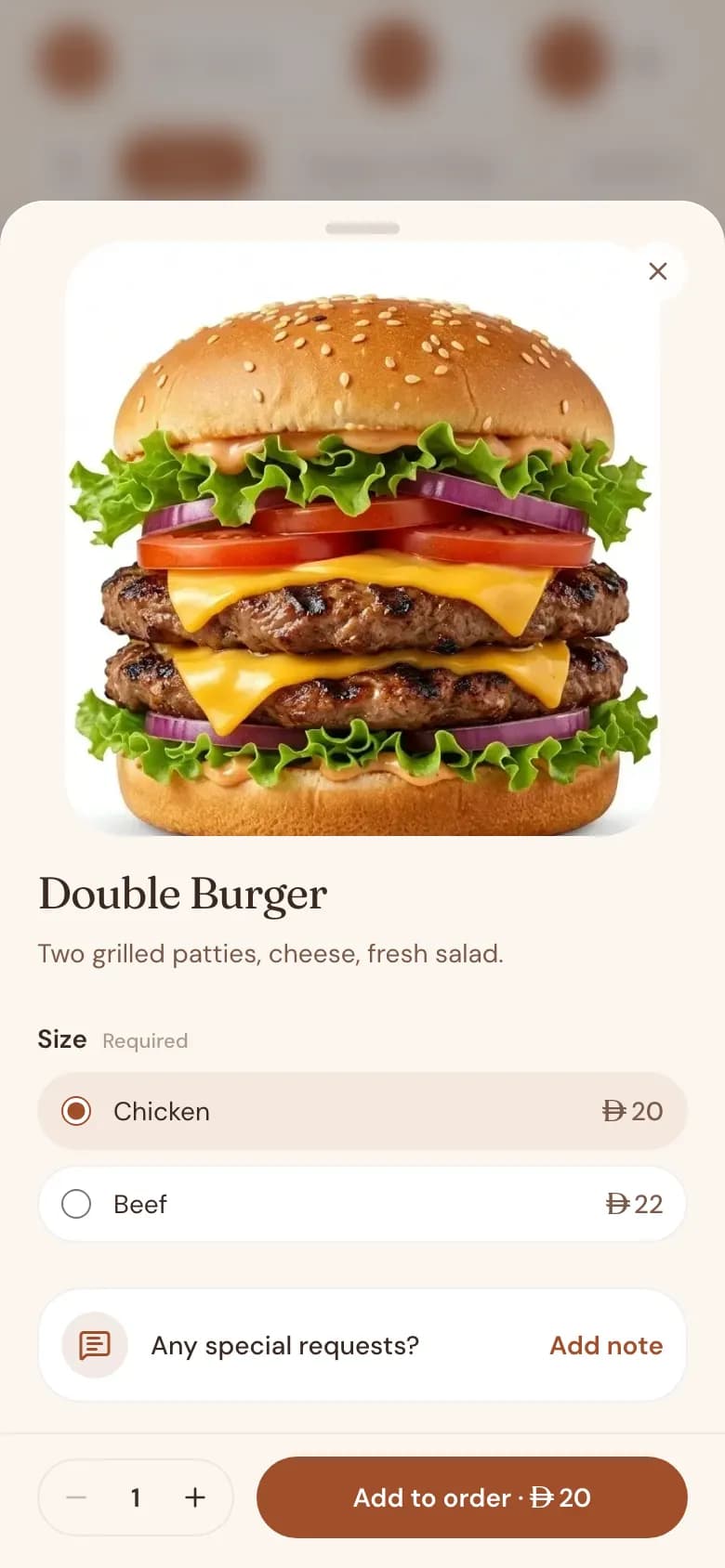
- Sizes, each with its own price: small, medium and large, or single and double
- Add-on options the customer can choose, such as extra cheese or an extra shot
English and Arabic on the same menu
Your customers do not all read the same language, and a menu in the UAE should not make them choose a different shop because of it. Every Cupcloud menu holds both English and Arabic, and the customer switches between them on the page.
The Arabic side is laid out properly from right to left. It is not an English page with the words swapped; the whole layout turns, the way an Arabic reader expects.
Change a price without a reprint
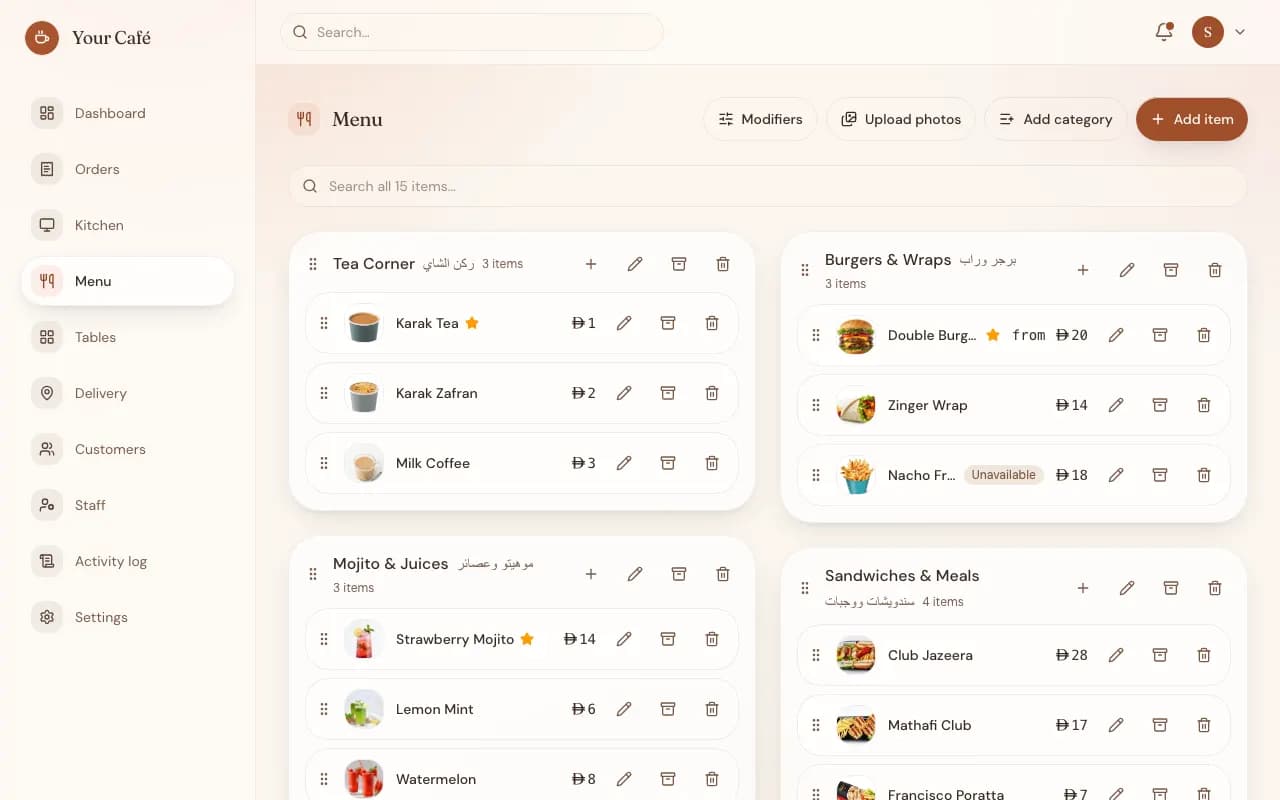
Printed menus go out of date the day a supplier raises a price. With Cupcloud, the manager signs in to the admin, edits the item, and the menu customers see is updated. Add a new dish, rewrite a description, swap a photo, move an item to another category.
When something runs out, mark it unavailable instead of explaining it at the counter all afternoon. Mark it available again when the delivery arrives.
Prices in AED, with VAT shown the way you charge it
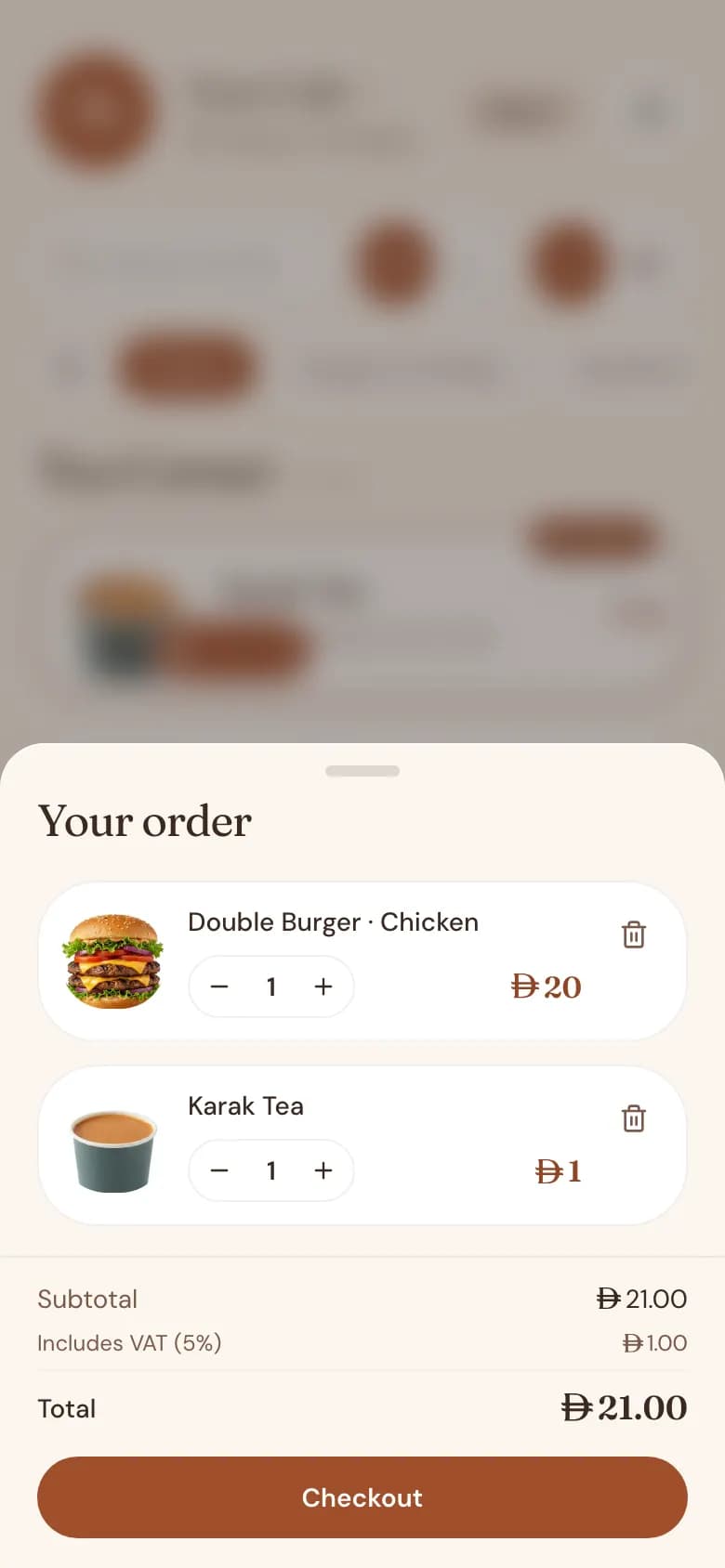
All prices are in dirhams. You decide how VAT appears: prices shown VAT-inclusive, so the number on the menu is the number the customer pays, or VAT added on top. You set it once for the café and the whole menu follows.
Opening hours, right on the menu
Set your opening hours and the menu shows whether you are open or closed. A customer who opens your link late at night sees it straight away, rather than finding out after choosing what they want.
Ready to take orders when you are
The same menu can also take orders: from a table, from a car outside, for delivery, or entered by staff at the counter. Orders go to a live queue for your team, and Cupcloud takes no commission on any of them.
The menu itself is the part your customers see first, so it is worth getting right: clear categories, honest photos, both languages.
Common questions
Do my customers have to download an app?
No. The menu opens in the phone's browser when they scan the QR code or tap the link. There is nothing to install and no account needed just to read it.
Can I update the menu myself?
Yes. The manager admin lets you add, edit and remove items, change prices and photos, and mark items unavailable. You do not need to ask us each time.
Is the Arabic menu a separate page I have to maintain?
No. Each item holds its English and Arabic text together, and the customer switches language on the same menu. The Arabic view uses a proper right-to-left layout.
Can I show prices including VAT?
Yes. You choose whether prices are shown VAT-inclusive or with VAT added, and the setting applies across your menu.
How do I get a digital menu for my café?
Message us on WhatsApp. There is no self-serve signup yet, so our team sets up each café by hand and gets your menu page ready with you.
How much does it cost?
Contact us for pricing. A free trial is coming soon, and Cupcloud does not take a commission on your orders.