An Arabic menu for restaurants and cafés, with English one tap away
Your customers read Arabic, English, or both. Cupcloud gives your café or restaurant one menu page that works properly in each language, so nobody has to squint at a translated PDF. It opens in the phone's browser from a QR code or a link, with nothing to install.
Arabic that reads right to left, the way it should
An Arabic menu is more than English text swapped for Arabic words. The whole page has to turn around: item names start on the right, prices sit on the left, arrows and buttons point the other way, and the letters need a typeface drawn for Arabic so they stay clear on a small screen.
Cupcloud's Arabic menu is laid out right to left from top to bottom, in an Arabic typeface. Categories, item names, descriptions, sizes and add-ons all follow the same direction, so the page feels written in Arabic rather than converted to it.
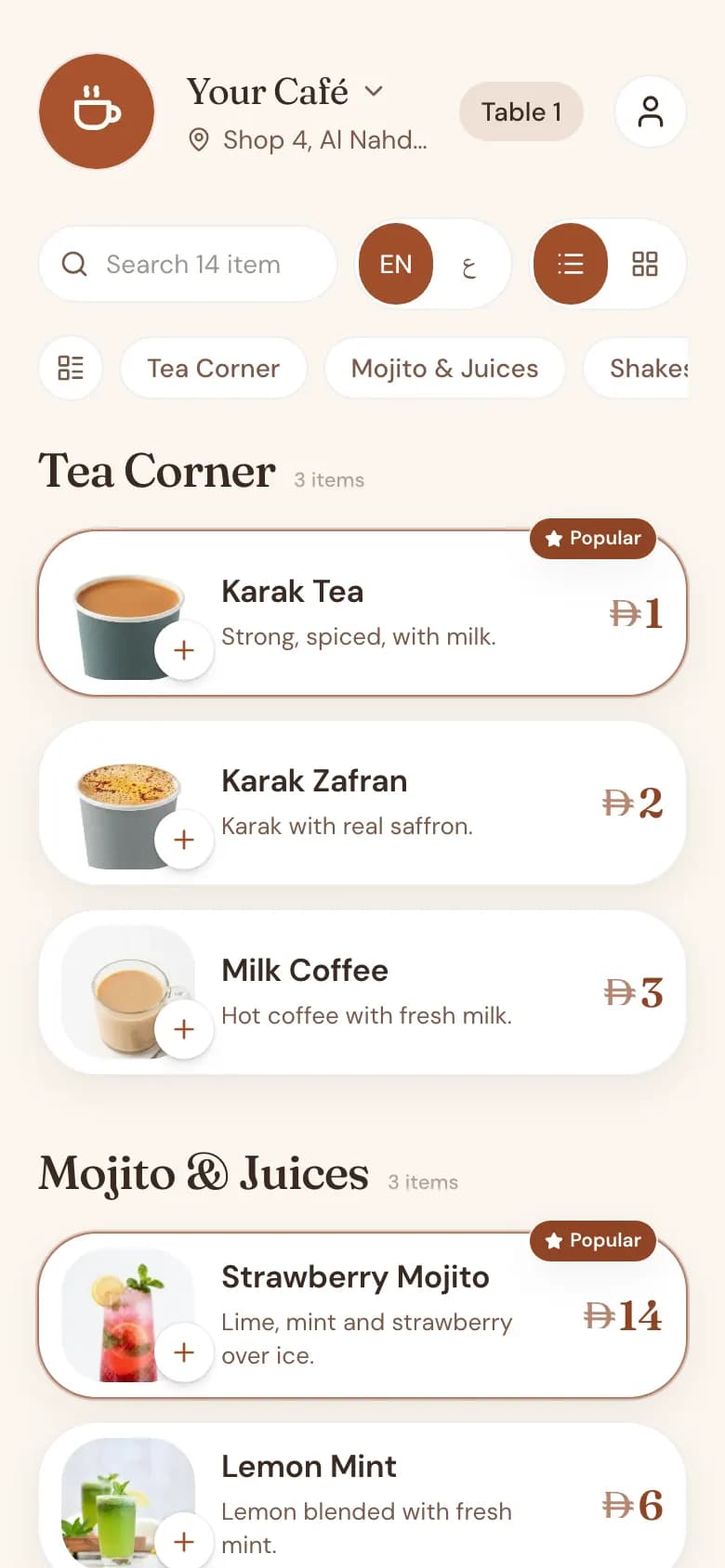
One tap between Arabic and English
Every menu has a language switch. A customer who would rather read English taps once and the whole menu changes, including the direction of the layout. Tap again and it comes back.
You choose which language opens first. A cafeteria whose regulars mostly read Arabic can open in Arabic; a café with a mixed crowd can open in English. Either way the other language is one tap away, and nobody has to ask the staff for a different menu.
You write the Arabic names yourself
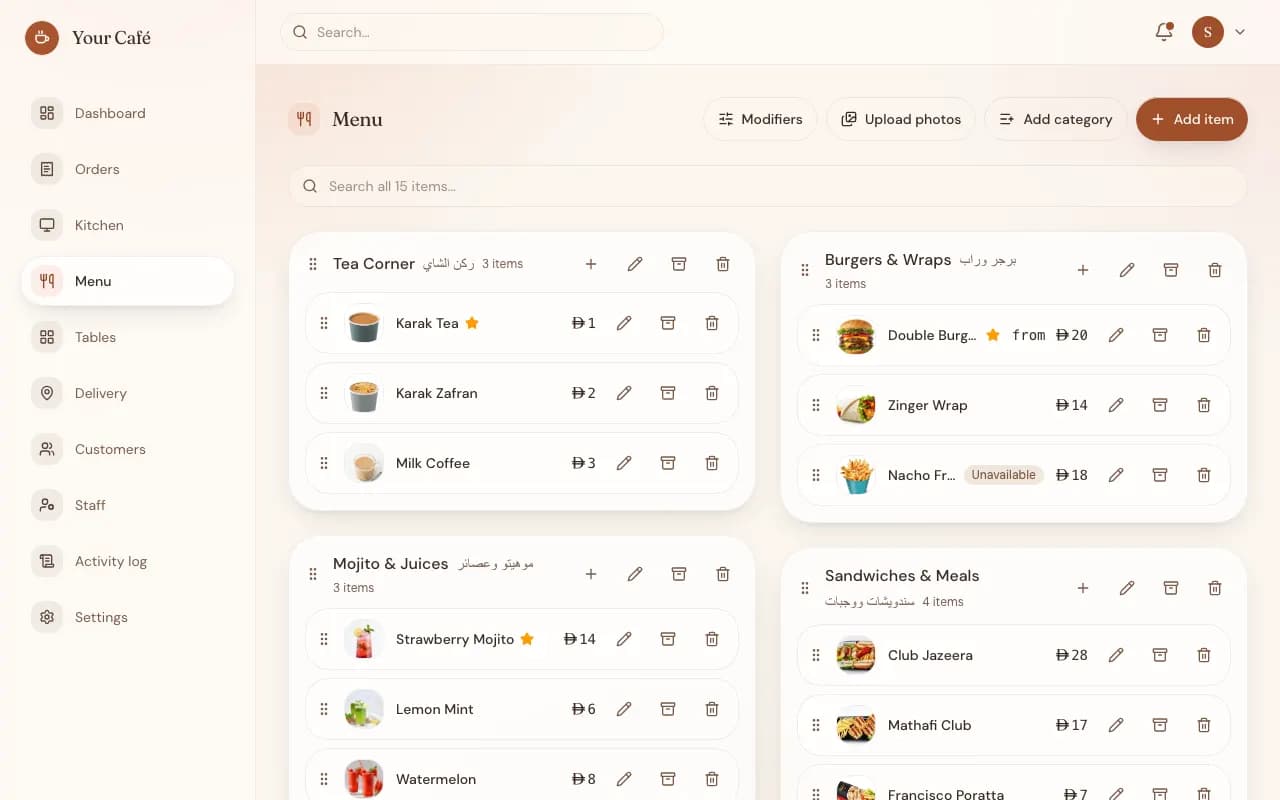
Cupcloud does not translate your menu automatically. Each item has a place for an English name and an Arabic name, and you type both, the same way you would tell a sign maker what to print.
That is on purpose. Karak, shawarma, a regional sandwich or a house special all have names your customers already use, and a machine rarely gets them right. Your own wording keeps the menu sounding like your shop.
- Category names in Arabic and English
- Item names and descriptions in both languages
- Sizes, such as small, medium and large
- Add-on groups and their options, such as extra cheese or less sugar
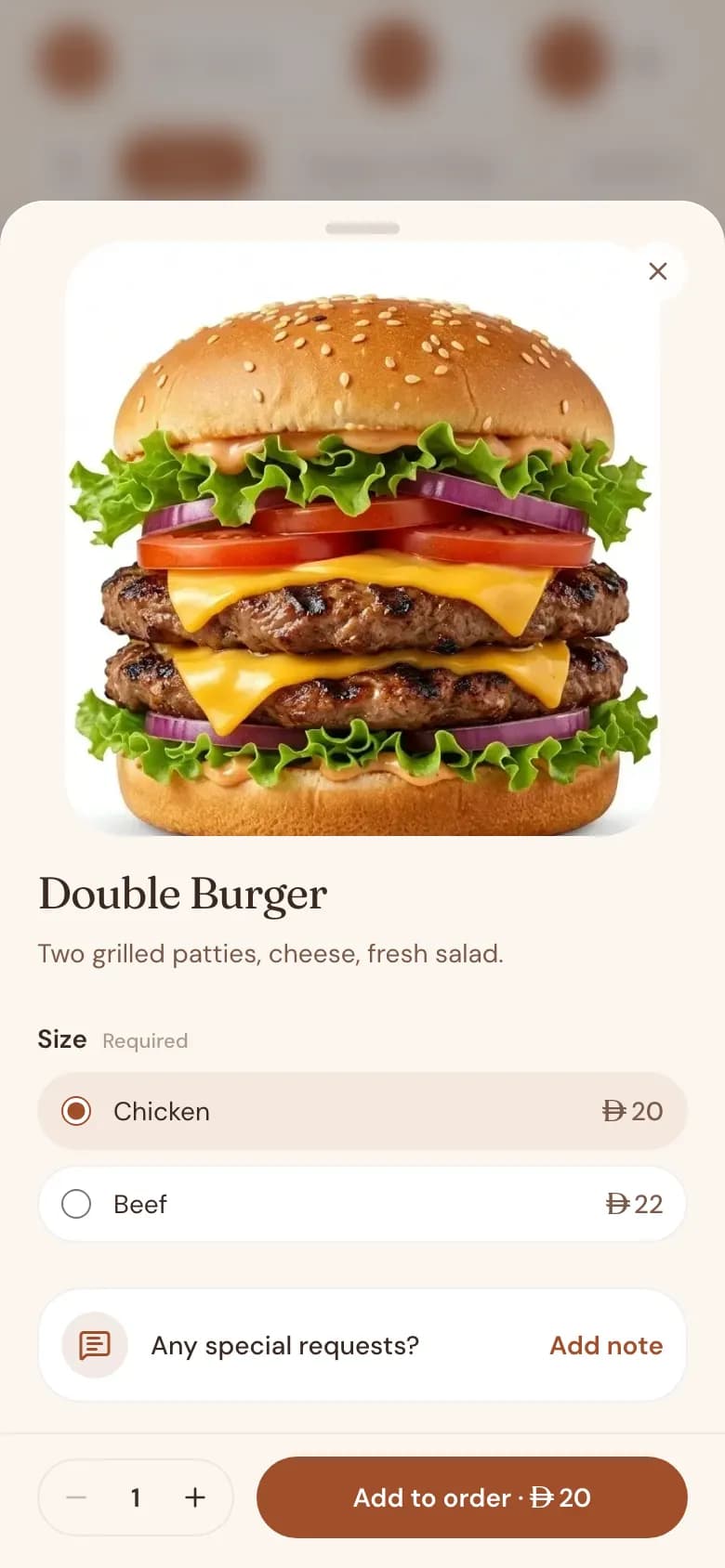
Photos, sizes and add-ons in the same layout
When a customer opens an item they see its photo, its description, the sizes you offer and any add-on options, all in the language they chose. Nothing falls back to the other language halfway down the page, as long as you have filled in both.
If something runs out, mark the item unavailable and customers can no longer order it until you switch it back. The change shows in Arabic and English at the same moment, because it is one menu, not two copies.
Prices in AED, with VAT shown your way
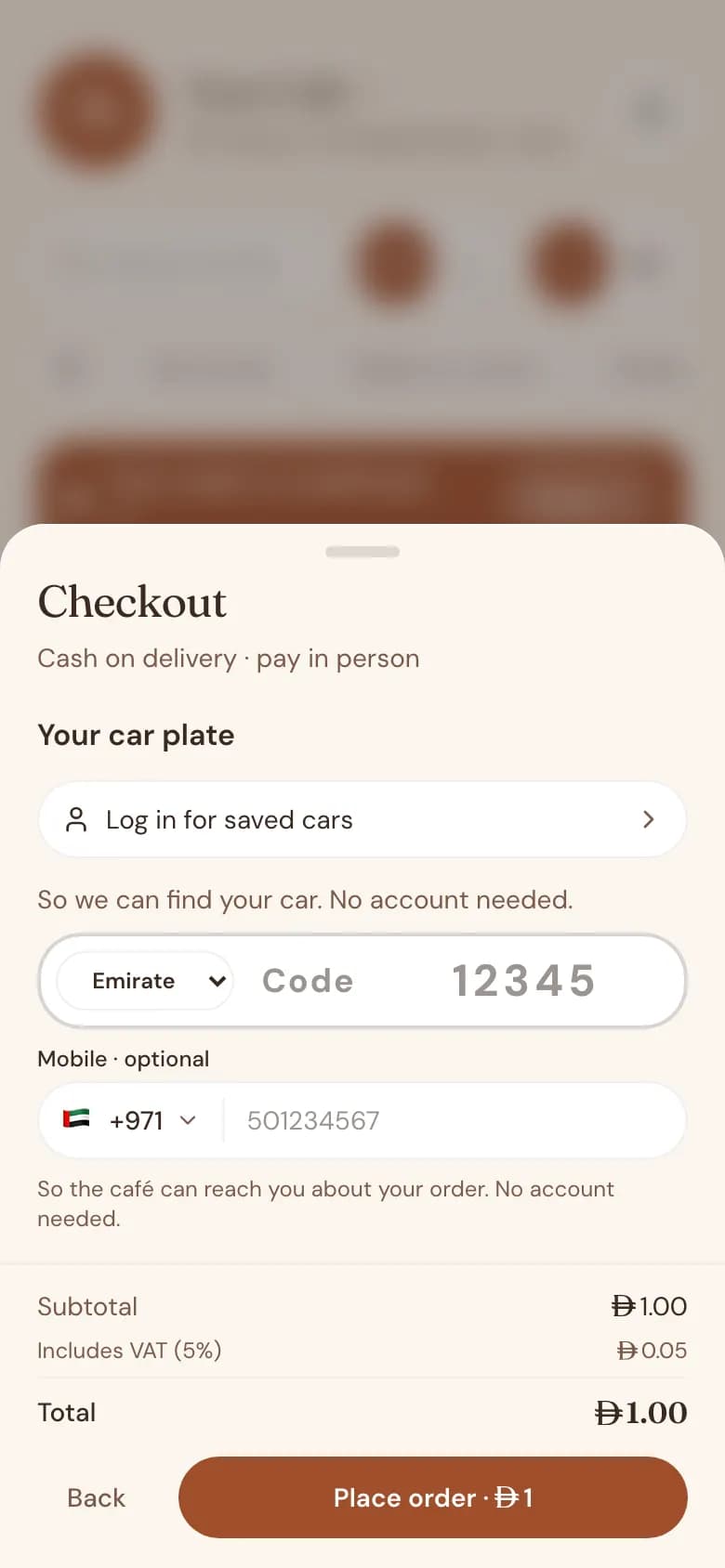
Prices are in dirhams. You decide whether the menu shows prices with VAT already included or with VAT added on top, and the menu follows that setting in both languages. The customer sees the same numbers whichever language they read.
One Arabic menu for every way of ordering
The same bilingual menu serves all your orders: a table QR code for dine-in, car orders where the customer gives a plate number and emirate, delivery inside the zones you draw on a map, and takeaway or counter orders taken by your staff.
Orders land on a live staff queue with a sound alert, and the customer gets a tracking page that shows the order status. Customers never install an app. They scan a QR code or open your own address, cafename.cupcloud.ae, in the phone's browser.
Common questions
Does Cupcloud translate my menu into Arabic automatically?
No. You type the Arabic names and descriptions yourself, next to the English ones. That keeps dish names the way your customers actually say them.
Can my menu open in Arabic first?
Yes. Each café chooses which language opens first, and the customer can switch to the other one with a single tap.
Do I need a separate QR code for the Arabic menu?
No. One QR code or link opens your menu, and the language switch is on the page itself.
Are sizes and add-ons shown in Arabic too?
Yes. Sizes, add-on groups and options each have their own Arabic name, which you enter along with the English one.
Do customers have to download an app?
No. The menu opens in the phone's browser from a QR code or a link.
How do I get an Arabic menu for my café?
Message us on WhatsApp. The Cupcloud team sets up each café by hand; there is no self-serve signup yet.