A QR code menu for restaurants in the UAE that takes the order too
A QR code on the table should do more than open a picture of your menu. With Cupcloud, the customer scans, reads the menu in English or Arabic, and can order from their seat. The order arrives at your counter already marked with the table it came from.
What happens when a customer scans
They point their phone camera at the code and your menu opens in the browser. No app store, no download, no waiting for a waiter to bring a menu card.
From there they browse by category, open an item to see its photo and choose a size or add-ons, and add it to the cart. If they only want to read the menu and order with a person, that works too.
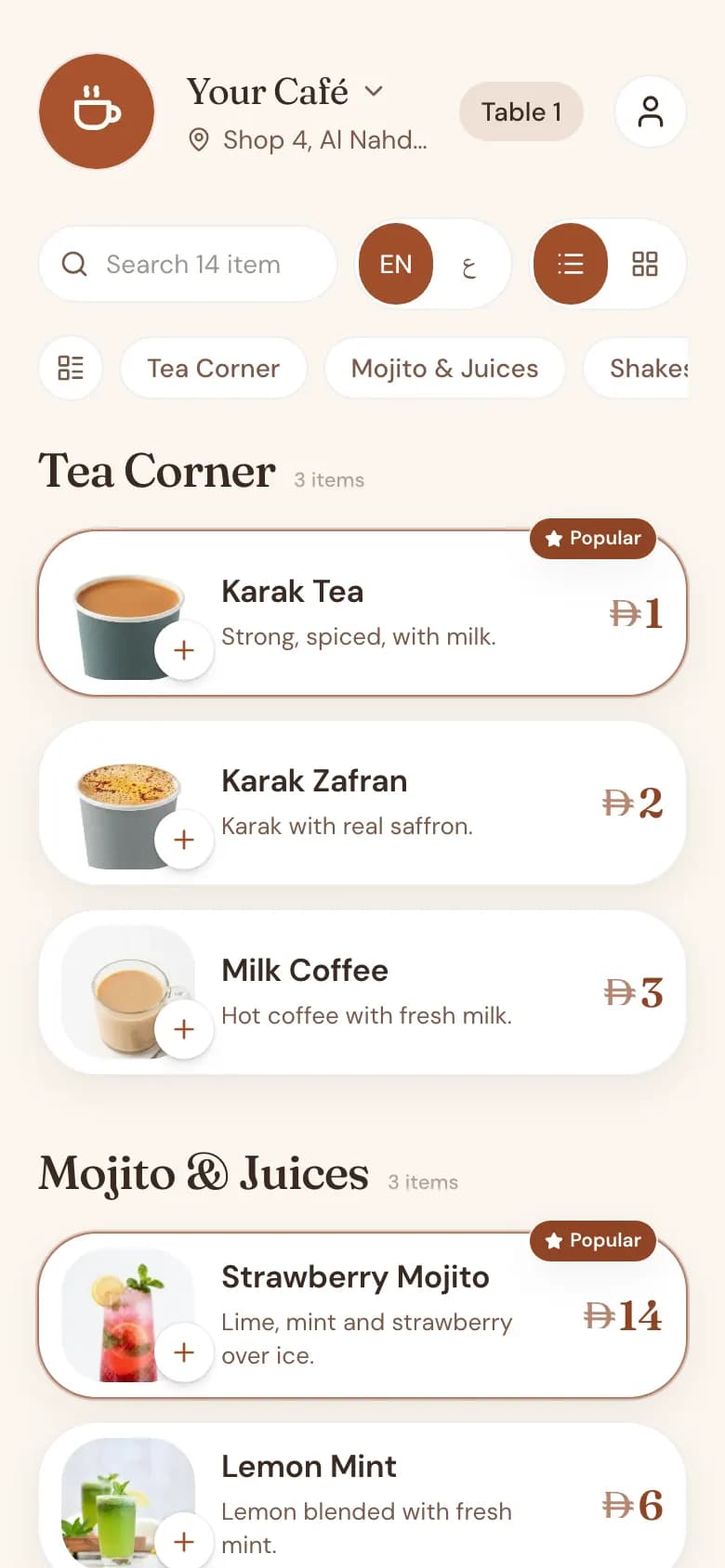
A different code for every table
Each table in your café has its own QR code. You add your tables in the manager admin, and the code for each one is generated there, ready to print and place on a stand, a sticker or the table itself.
Because the code belongs to the table, nobody has to type a table number or wave to be noticed. An order scanned at table 7 arrives as an order for table 7.
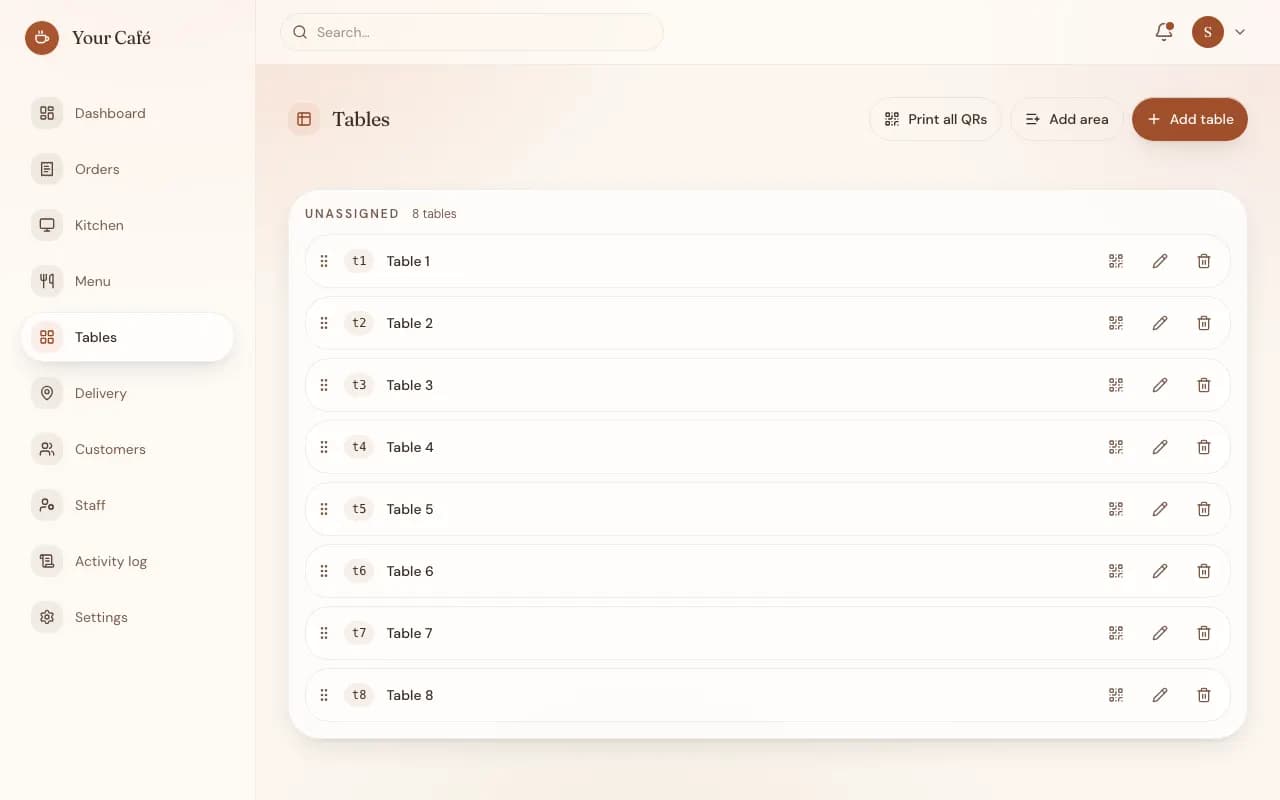
From the table to your staff
When the customer confirms, the order appears on the staff order queue and a sound alert plays, so it is noticed even in a busy hour. Staff move it along as it is prepared and served.
If your kitchen is separate from the counter, you can add a kitchen screen, or print kitchen tickets and bills on a thermal printer. Both are optional. A small café can run on the queue alone.
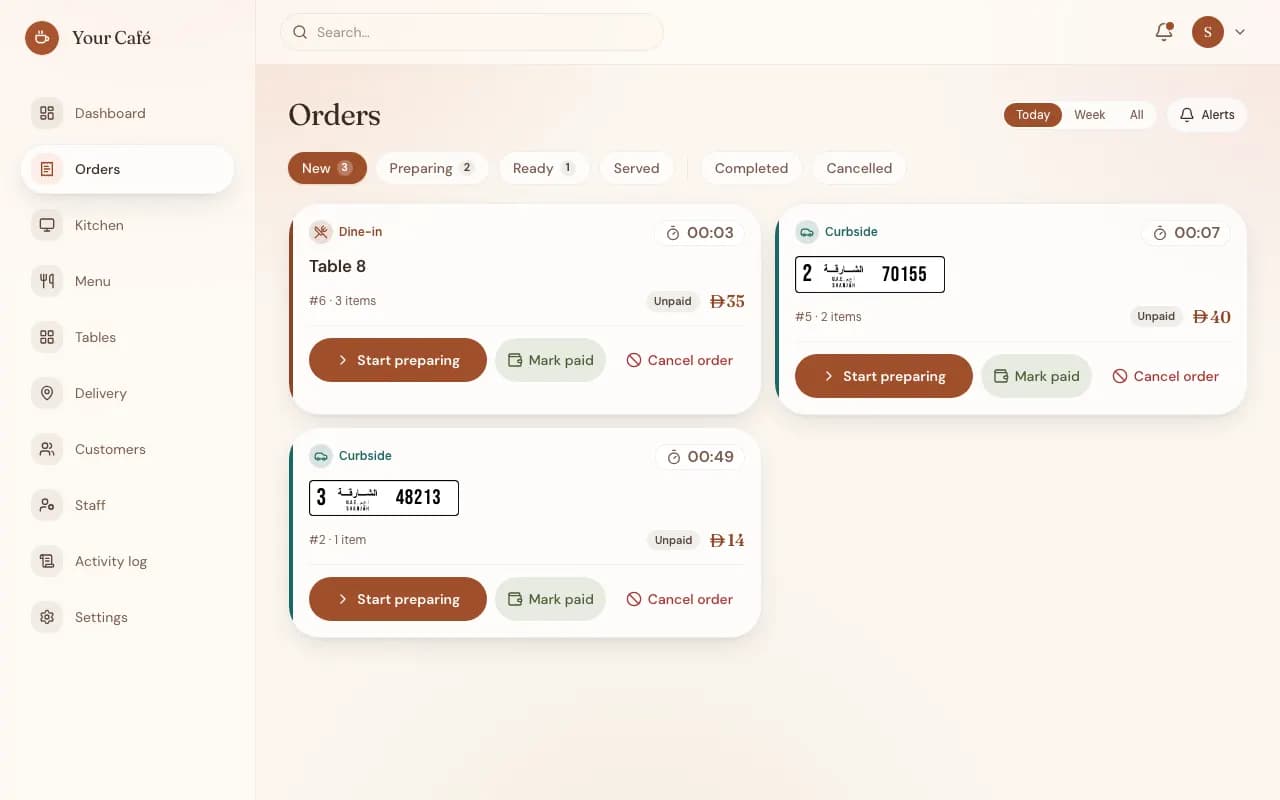
Paying at the table
Today, every café on Cupcloud takes payment in cash, at the table or the counter, the same way you do now. The QR menu changes how the order is taken, not how your till works.
Card payment online, through your café's own payment gateway account, is being rolled out and is available on request. The money goes straight to you. Cupcloud never holds it and takes no commission per order.
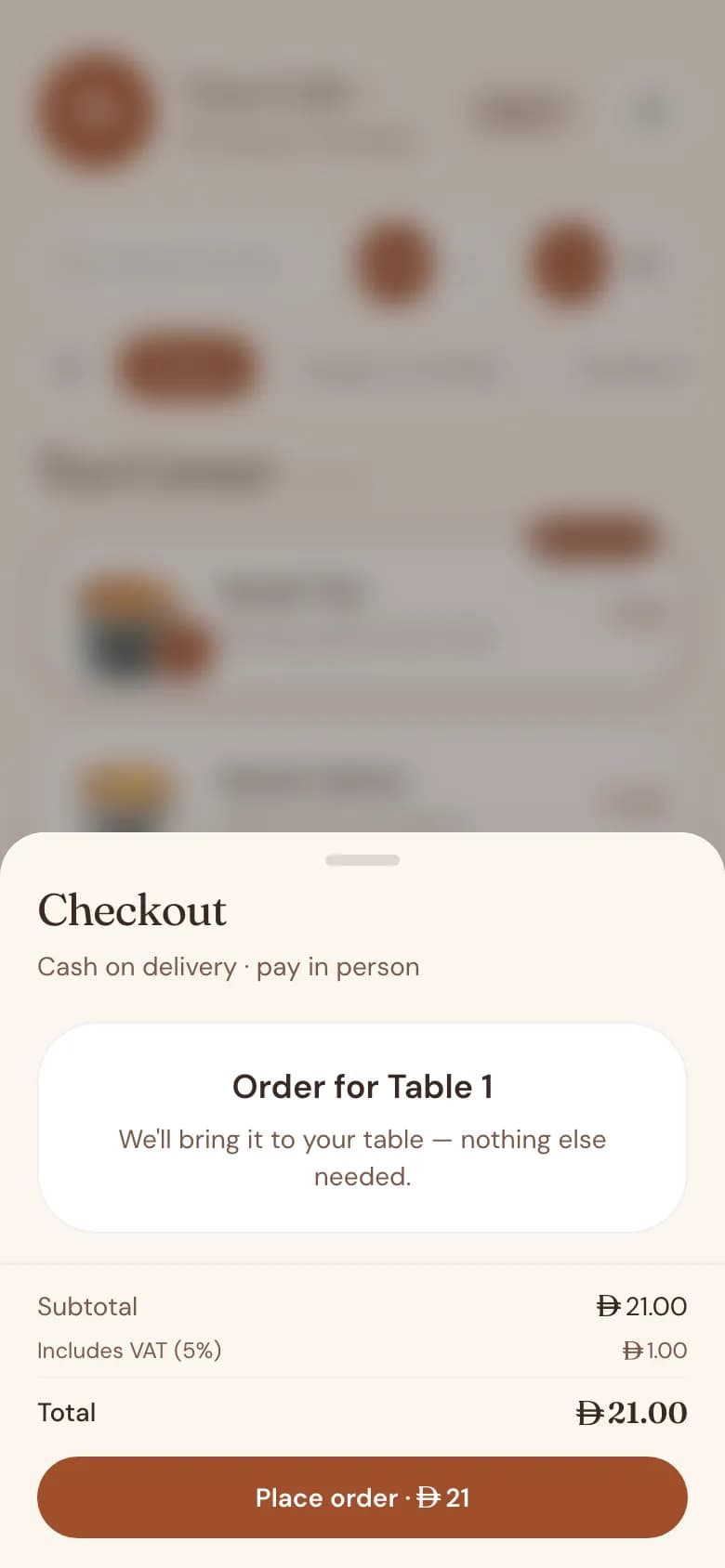
One code, two languages
A printed menu forces a choice: English on one side and Arabic on the other, or two separate cards. A QR menu does not. The customer switches language on their own phone, and the Arabic version reads right to left as it should.
What you need in the café
Very little. Customers use their own phones. Your staff need one screen to watch the order queue.
- Printed QR codes for your tables
- A phone, tablet or computer at the counter for the order queue
- Optional: a kitchen screen
- Optional: a thermal printer for kitchen tickets and bills, connected through a small Windows program at the café
The menu behind the code stays current
The code on the table points to your menu, not to a fixed image of it. When you change a price or mark an item unavailable in the admin, customers see the change the next time they scan. The stickers on the tables stay exactly where they are.
Common questions
Does every table really need its own QR code?
For ordering from the table, yes. The table's own code is what tells your staff where the order is going, so the customer never has to type a table number.
If I change my menu, do I have to reprint the codes?
No. The codes point to your menu page, so price changes, new items and unavailable items show up without touching the printed codes.
Can customers just read the menu without ordering on their phone?
Yes. Scanning opens the menu to browse. Anyone who prefers to order with your staff still can.
Do customers need an app or an account to scan?
No app. The menu opens in the phone's browser straight from the camera.
Is there a commission on orders placed through the QR menu?
No. Cupcloud does not take a commission per order. Contact us for pricing; a free trial is coming soon.
How do I get QR codes for my tables?
Message us on WhatsApp. Our team sets up your café and menu by hand, and your table codes are then generated in your admin for you to print.